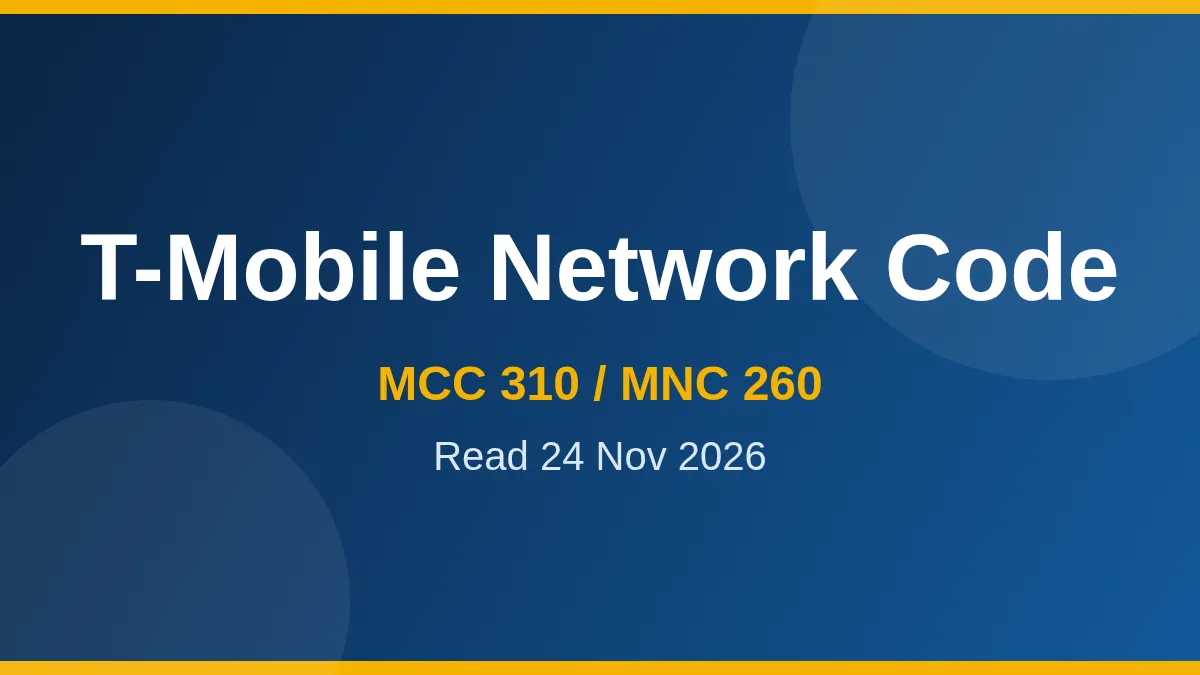
The network code T-Mobile lists in its own phone settings guide is MNC 260, used with MCC 310. This page follows T-Mobile’s data and APN settings page.
What the codes are
MCC is the mobile country code and MNC is the mobile network code. Together they identify a mobile network. T-Mobile’s APN settings list both values as fields you can check on a phone.
T-Mobile data APN settings
For a manual setup, T-Mobile lists these values for the Data APN:
| Field | Value |
|---|---|
| Name | T-Mobile |
| APN | fast.t-mobile.com for LTE devices, epc.tmobile.com for non-LTE devices |
| MMSC | http://mms.msg.eng.t-mobile.com/mms/wapenc |
| MMS protocol | WAP 2.0 |
| MCC | 310 |
| MNC | 260 |
| APN type | default,supl,mms, or Internet+MMS on Samsung |
| APN protocol | IPv4/IPv6 |
| APN roaming protocol | IPv4/IPv6, or IPv4 only when roaming internationally |
Proxy, port, username, password, server, MMS proxy, MMS port and authentication type are blank in T-Mobile’s list.
Try the automatic settings first
T-Mobile says all devices it sells, and many it does not, configure network and data settings automatically. To reset to default, T-Mobile lists a network settings reset for each manufacturer. On iPhone, go to Settings, General, Transfer or Reset iPhone, Reset, then Reset Network Settings. This also removes saved Wi-Fi networks and Bluetooth pairings.
If data or MMS still fails
- Check the Data APN against the table above and save it.
- Delete other APNs in the list. T-Mobile says the FOTA APN can stay.
- Make sure a circle is next to the remaining APN, then restart the phone.
- Test data or send a picture message.
T-Mobile’s page lists only MCC 310 and MNC 260, so this page does not cover other network codes.
Official sources
Settings can change.