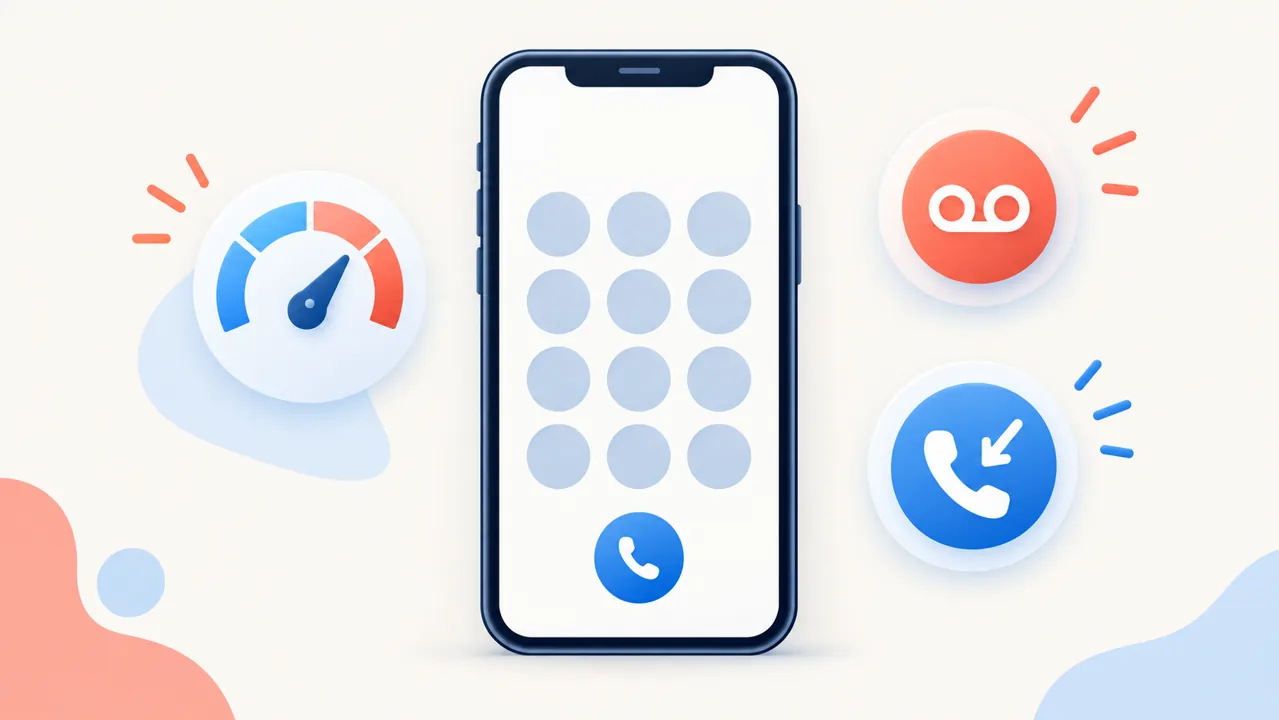
You do not need to enable a hidden mode to use Verizon’s published mobile star and pound codes. Open the phone dialer and use the code for the task you actually want. Some codes change call handling, so check the effect before placing the call.
Which codes does Verizon publish for mobile phones?
Verizon’s current mobile support list includes these account and calling shortcuts. It is a mobile list, not a promise that every device, account or home-phone service supports the same features.
- #BAL (#225): Check your balance.
- #DATA (#3282): Check data usage.
- #MIN (#646): Check minute usage.
- #PMT (#768): Make a payment.
- #UPG (#874): Check upgrade information.
- #ROAD (#7623): Request roadside assistance.
- #832: Place a test call.
- *611: Contact Verizon Customer Service.
- *86: Check voicemail.
Verizon says #MIN and #DATA are estimates for the bill period and may omit usage during the previous 24 hours. Check My Verizon when you need account-specific details.
Call forwarding and caller ID codes
These codes can affect where calls go or how your number appears. Enter a destination only when it is a number you intend to use.
- *67 followed by a 10-digit phone number: Block caller ID for one call.
- *82 followed by a 10-digit phone number: Unblock caller ID for one call.
- *71 followed by a 10-digit phone number: Forward unanswered calls; your mobile phone rings first.
- *72 followed by a 10-digit phone number: Forward all calls immediately; your mobile phone will not ring.
- *73: Stop forwarding calls.
How to use a published code
- Confirm that you are using the Verizon mobile line you want to manage, especially on a dual-SIM phone.
- Open the phone’s normal dialer.
- Enter the published code, including the destination number where required.
- Place the call and follow the response. If the feature is unavailable or unclear, stop and contact support instead of trying unrelated codes.
A payment shortcut or roadside-assistance request is not a promise of a free service. Check the applicable account or service terms before accepting any charge.
What about secret menus and universal repair codes?
The official mobile list reviewed here does not establish a universal code to unlock every phone, update towers or repair all network faults. This guide does not recommend hidden engineering menus, factory-reset strings or codes copied from an unrelated phone model.
Do not treat terms such as USSD, MMI or secret code as evidence that a command is supported. Use the carrier’s current instructions for your line and the device maker’s support instructions for your model.
If a code does not work
Check the typed code, the selected mobile line and whether the task belongs to a different service. For example, Fios or a business phone system can have different rules. Use My Verizon or *611 to confirm feature availability. Do not enter additional diagnostic strings to force a response.
Sources and scope
Checked against Verizon’s published mobile code list. This is a documented shortcut guide, not a hands-on test of every model or account. Feature availability and charges remain subject to your service terms.