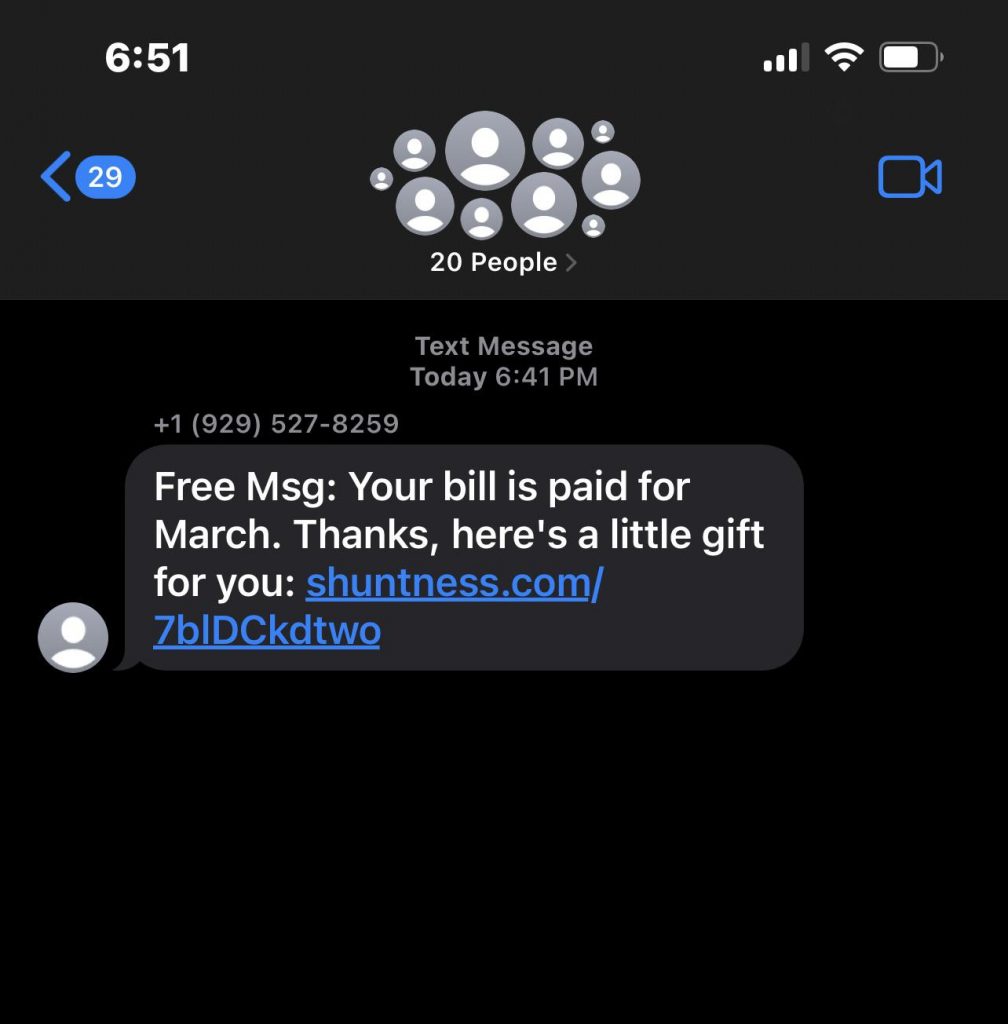
In our fast-paced world, efficient communication is key. T-Mobile’s email-to-SMS feature offers a way to leverage your existing email to send text messages directly to your phone or the phones of others. This exclusive article explores the ins and outs of T-Mobile email-to-SMS, highlighting its benefits, limitations, and alternative solutions.
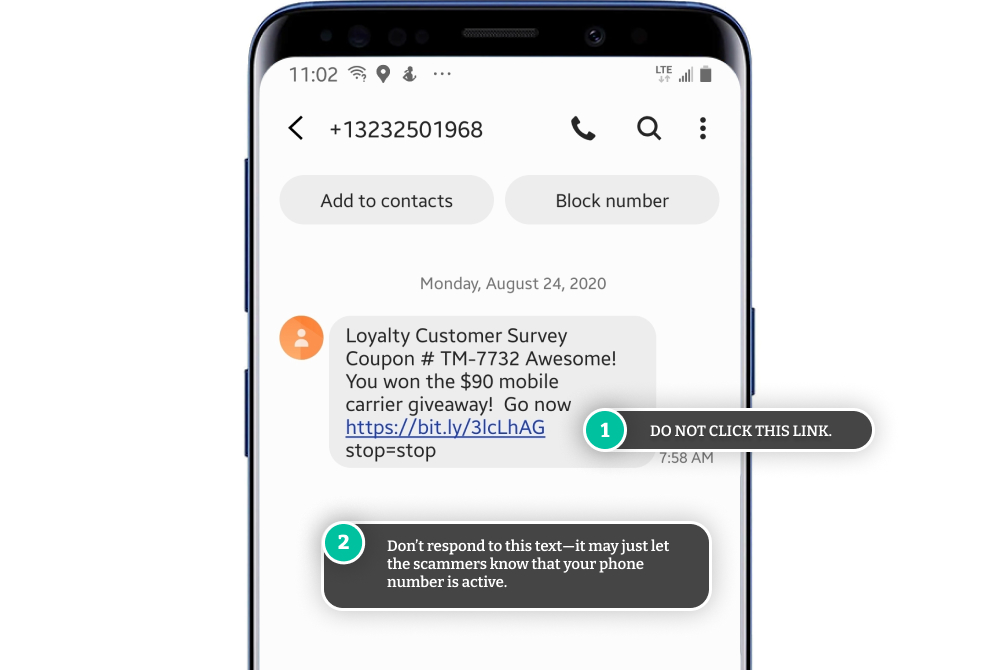
The Power of Email-to-SMS:
Here’s what makes T-Mobile’s email-to-SMS functionality appealing:
- Convenience:Craft messages from the comfort of your desktop email client, potentially offering a faster and more comfortable typing experience than using your phone’s keyboard.
- Integration:No need to download additional apps or switch between services. Utilize your existing email platform for both email and text messaging.
- Accessibility:Send text messages even if you don’t have your phone readily available (as long as you have internet access for your email client).
The Flip Side of the Coin: Limitations to Consider
While convenient, T-Mobile’s email-to-SMS feature has limitations:
- Restricted Recipients:You can only send text messages to phone numbers on the T-Mobile network using the “@tmomail.net” format (e.g., [email address removed]). Messages to non-T-Mobile numbers won’t be delivered.
- Security Concerns:Sending sensitive information through email might not be the most secure option. Consider alternative methods for confidential messages.
- Delivery Delays:Email-to-SMS messages might experience slight delays compared to traditional text messages sent directly from your phone.
- Limited Functionality:You can’t send pictures, videos, or multimedia messages through email-to-SMS.
Troubleshooting Tips:
If you’re encountering issues with T-Mobile email-to-SMS, here are some troubleshooting steps:
- Verify Email Address:Double-check that you’re using the correct email address format (phone number + “@tmomail.net”).
- Check Inbox Space:Ensure your phone’s text message inbox isn’t full, as this might prevent incoming email-to-SMS messages.
- Network Connectivity:Verify you have a stable cellular or Wi-Fi connection on your phone.
- Carrier Settings:Outdated carrier settings on your phone can lead to issues. Update your carrier settings to the latest version.
- Contact T-Mobile:If the above steps don’t resolve the issue, contact T-Mobile customer service for further assistance.
Beyond Email-to-SMS: Alternative Solutions
While email-to-SMS offers convenience, consider these alternatives for sending text messages:
- My T-Mobile App:The official T-Mobile app allows you to send text messages directly from your smartphone or tablet.
- Third-Party Messaging Apps:Popular messaging apps like WhatsApp or Messenger offer cross-platform messaging capabilities, allowing you to text anyone with an internet connection, regardless of carrier.
- SMS Platforms:For businesses or organizations that require bulk SMS capabilities, dedicated SMS platforms offer advanced features and functionality beyond basic email-to-SMS options.
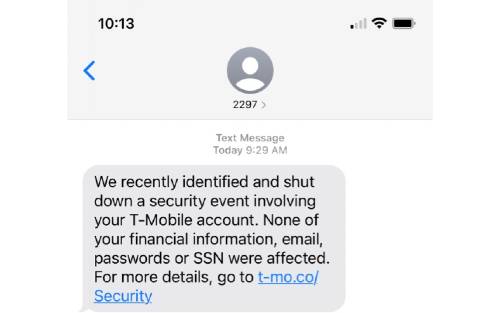
Conclusion:
T-Mobile’s email-to-SMS feature is a handy tool for sending text messages from your email client. However, its limitations in terms of recipient restrictions, security considerations, and functionality might encourage you to explore alternatives. Whether you utilize the My T-Mobile app, explore third-party messaging apps, or consider SMS platforms for specific needs, you have a variety of options at your disposal for efficient communication beyond T-Mobile email-to-SMS. So, choose the method that best suits your communication needs and embrace the flexibility of modern messaging solutions.