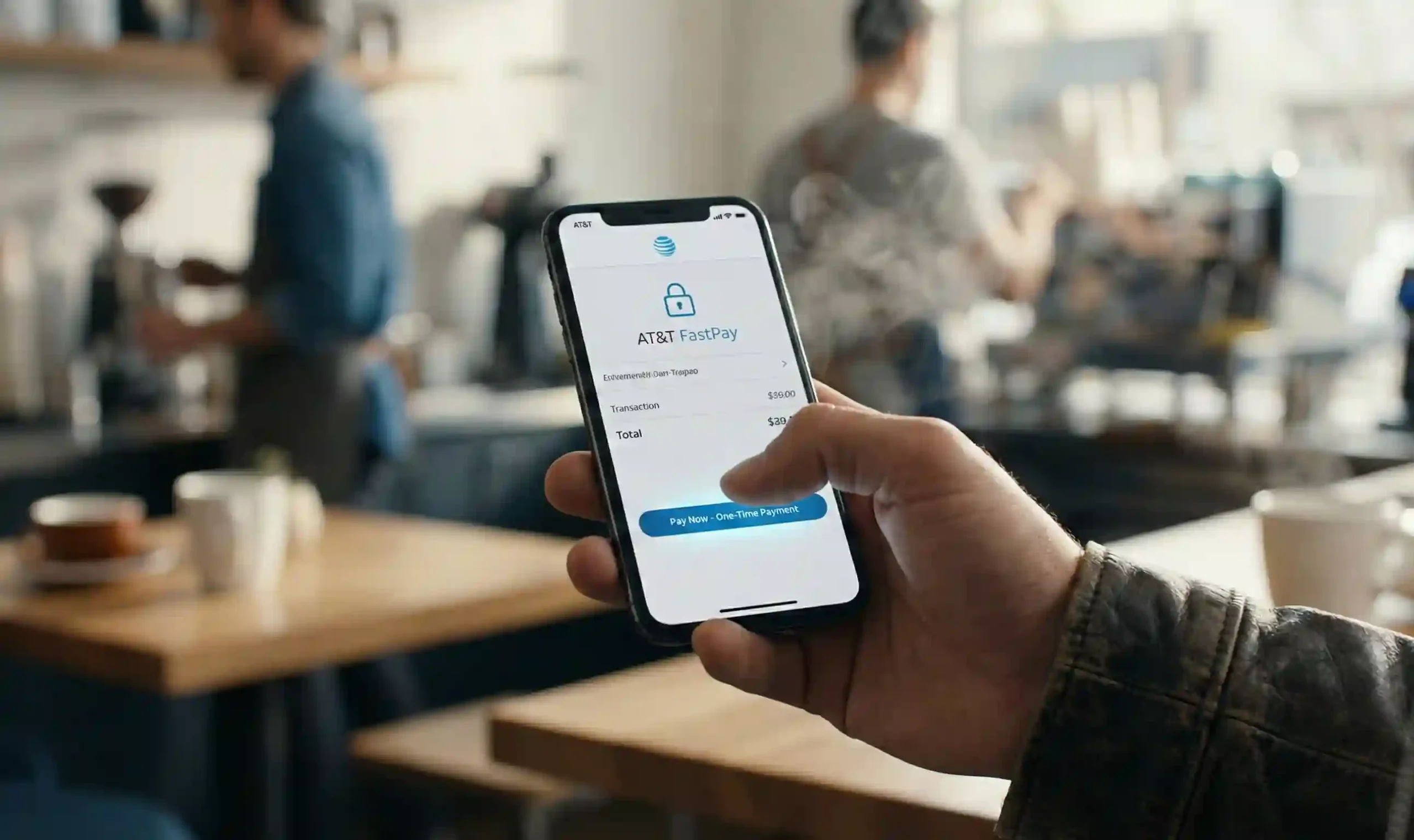
If you just want to pay your AT&T bill fast and skip usernames, passwords, and recovery emails, AT&T FastPay is exactly what you need. It’s AT&T’s official one-time payment tool (also called AT&T Quick Pay or Express Pay) that lets you pay in seconds without signing in to myAT&T.att+3[youtube]
Below is a streamlined guide focused on speed, safety, and direct links so you can pay and move on.

Quick Action Table: FastPay Links & Shortcuts
| Action | How to Use It |
|---|---|
| FastPay Official Link | Go to https://www.att.com/fastpay or https://www.att.com/acctmgmt/fastpmt/fastpay.att+2 |
| Pay by Phone Number (Automated) | Call 1‑800‑331‑0500 or dial 611 from your AT&T wireless phone, then say “Pay my bill”.att+1 |
| SMS Text‑to‑Pay Command | For AT&T PREPAID, text “PAY” to 611 or use the menu after dialing 611 (availability may vary by plan).[att] |
| AT&T App Download (myAT&T) | Download myAT&T from the App Store or Google Play, then use “Make a Payment” or AT&T one-time payment from the app.att+1 |
Always make sure you’re on an official AT&T domain: att.com or the myAT&T app by AT&T. Avoid third‑party “FastPay” sites.
Step‑by‑Step: How to Use AT&T FastPay (Web, No Login)
AT&T FastPay is designed for fast, one‑time payments without signing in. Here’s how to complete an AT&T one-time payment in under a minute.att+3
-
Open the official FastPay page
-
Go to
https://www.att.com/fastpay(orhttps://www.att.com/acctmgmt/fastpmt/fastpay).att+2
-
-
Choose the service you’re paying
-
AT&T Wireless (postpaid)
-
AT&T Internet / Fiber
-
Home Phone
-
U‑verse TV or DIRECTV FastPay (for DIRECTV via AT&T accounts, if listed)att+1
-
-
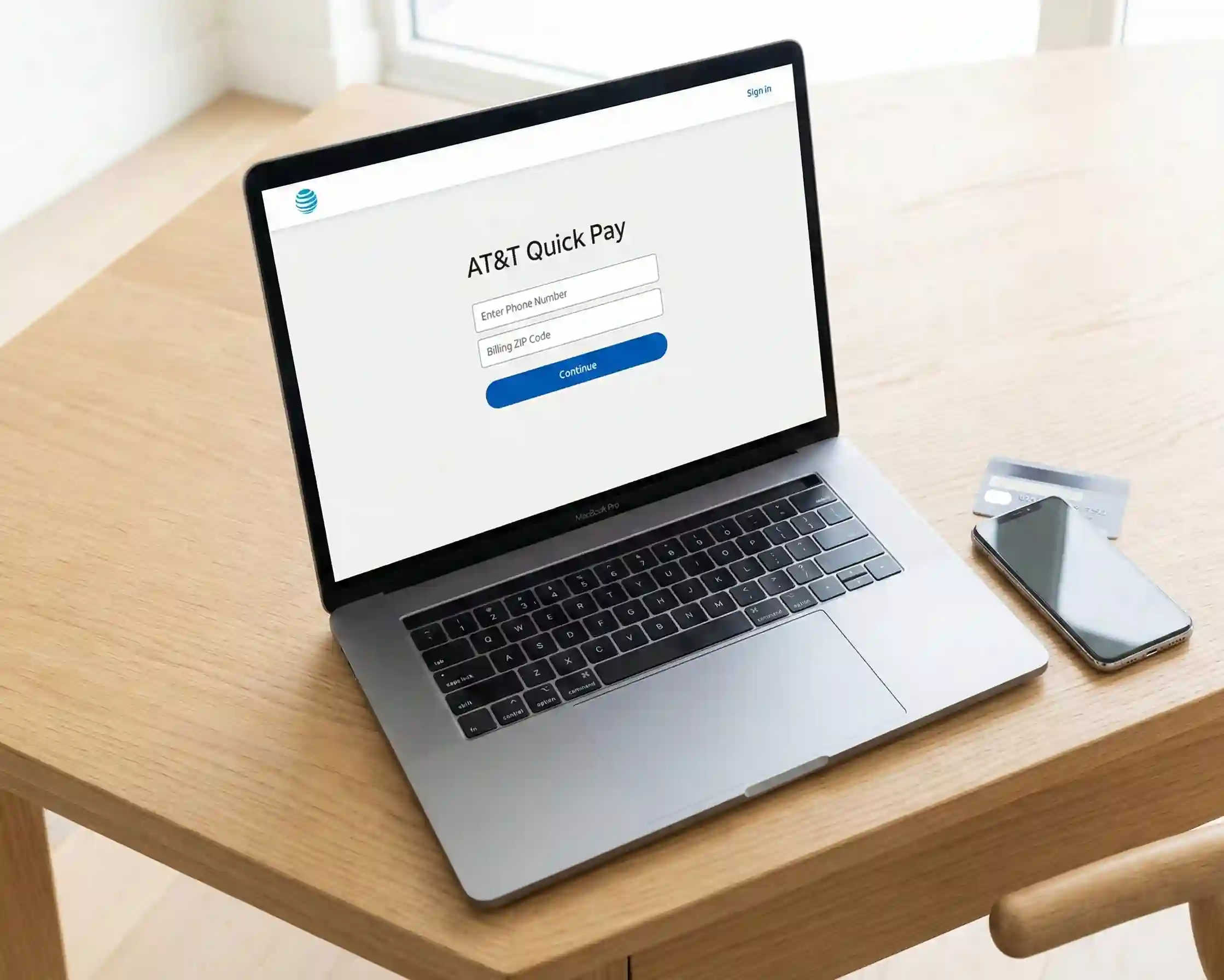
Enter your account details
-
AT&T phone number or account number
-
Billing ZIP Code associated with the accountatt+1
-
-
Click “Continue” to look up your account
-
FastPay will fetch your amount due and account info.
-
-
Enter payment amount & method
-
Pay total due or choose a custom/partial amount (if allowed).
-
Supported methods typically include:
-
Credit card
-
Debit card
-
Bank account (eCheck)
-
Some wallets like PayPal or BitPay may be available for certain services (check on-screen options).
-
-
-
Review & submit
-
Confirm amount, account, and payment method.
-
Click Submit / Make Payment.
-
-
Save your confirmation
-
You’ll see a confirmation page.
-
You may also receive an email or SMS receipt.
-
That’s it. You’ve used AT&T Quick Pay / AT&T FastPay to make a secure one-time payment without logging into myAT&T.
Alternative Ways to Pay Without Logging In
1. AT&T SMS Payment (Text‑to‑Pay)
AT&T does not have a universal AT&T SMS payment shortcut for every postpaid line, but AT&T PREPAID supports quick refills via text and phone.[att]
-
From an AT&T PREPAID phone:
-
Dial 611 and follow the prompts, or
-
Use the menus offered via text response after dialing 611.
-
-
In some cases, you may see “Quick Pay” or “Express Pay” on the AT&T PREPAID page that lets you refill without signing in.[att]
For regular postpaid wireless, internet, or DIRECTV FastPay, the web FastPay portal or phone payment is the recommended no‑login method.
2. Pay AT&T Bill by Phone (Automated System)
If you prefer voice prompts or don’t have web access, you can pay AT&T bill by phone using their automated system.att+1
-
Call 1‑800‑331‑0500 (from any phone)
-
Or dial 611 from your AT&T wireless phone.
-
-
Say “Pay my bill” or select the payment option from the menu.
-
Enter your:
-
AT&T phone number or account number
-
Billing ZIP Code
-
-
Choose payment method:
-
Credit or debit card
-
Bank account
-
-
Enter the amount to pay and confirm.
-
Automated system: No extra fee for postpaid accounts.[att]
-
Agent-assisted payments: AT&T notes there can be a convenience fee if you pay with a live agent rather than the automated system.[att]
This phone route is effectively a voice-based AT&T one-time payment, similar in function to FastPay.
3. AT&T Express Pay vs. FastPay
You’ll see different names in guides: AT&T FastPay, AT&T Quick Pay, Express Pay, “Pay without signing in.” They all refer to the same idea:
-
FastPay / Quick Pay / Express Pay:
-
One-time payment without login.
-
Use phone or account number + ZIP.
-
Good for your own bill or paying for family/friends without access to their login.
-
-
myAT&T Logged-In Payment:
-
Requires username/password.
-
Full account management.
-
Can set up AutoPay, view history, manage multiple lines.att+2
-
For “I just need to pay now,” use FastPay / Quick Pay / Express Pay.
Advanced Troubleshooting: Common FastPay Errors & Fixes
Even with FastPay, things can go wrong. Here are the most common 2024–2026 issues and how to fix them.[youtube]att+3
1. “ ZIP code not matching ” or “We couldn’t find your account”
Likely causes:
-
Wrong billing ZIP code (using your current address, not the one AT&T has on file).
-
Typo in phone or account number.
-
Paying the wrong service type (e.g., choosing Wireless when it’s Internet).
Fix:
-
Double‑check the number on your paper bill or myAT&T.
-
Use the Billing ZIP Code printed on the bill, not a new address if you recently moved.
-
Confirm you selected the correct account type on the FastPay page.att+2
2. Payment Declined
Likely causes:
-
Bank or card issuer blocked the transaction (fraud prevention).
-
Card expired or insufficient funds.
-
Incorrect CVV or billing address for the card.
Fix:
-
Try a different card or payment method (e.g., bank account).
-
Check your bank app for alerts; approve the transaction if flagged.
-
Make sure the billing address on your card matches what you enter.
If it keeps failing, call your bank first, then AT&T billing support.
3. System Down / Page Not Loading
Symptoms:
-
FastPay page won’t load or errors before payment.
-
“We’re having technical difficulties” messages.
Fix:
-
Try another browser or device (desktop vs. mobile).
-
Turn off ad‑blockers or VPN for the session.
-
If the AT&T status pages or social channels mention maintenance, wait and retry.
-
Use Pay by Phone as a backup:
-
Call 1‑800‑331‑0500 or dial 611 from your AT&T phone.
-
4. Payment Not Showing Immediately
Normal behavior:
-
Payments through AT&T FastPay / AT&T Quick Pay / Express Pay are usually posted right away, but:
Fix:
-
Wait 15–30 minutes and refresh myAT&T or FastPay.
-
Check your email/SMS for a confirmation number.
-
If it’s still missing after a few hours, call AT&T billing with the confirmation number for verification.
FAQ: AT&T FastPay & One‑Time Payments (2026)
1. Can I pay without an AT&T account?
Yes. That is exactly what AT&T FastPay / AT&T Quick Pay / Express Pay is for. You can make an AT&T one-time payment without signing in by going to att.com/fastpay and using your phone/account number + ZIP.att+3[youtube]
2. Is there a fee for using FastPay?
No. AT&T states there is no fee to pay using the online FastPay/Quick Pay tool or the automated phone system for postpaid accounts.[youtube][att]
-
There may be a convenience fee if you pay with a live agent instead of the automated system.
3. Can I use FastPay for cancelled or past‑due accounts?
It depends on the status:
-
Active or recently past‑due accounts:
-
Often still payable via FastPay or Pay AT&T bill by phone.
-
-
Fully cancelled / in collections:
-
You may be redirected or told to call a specific recovery number instead of using FastPay.
-
If FastPay can’t find your account, call AT&T billing support and ask for options.
4. How long does it take for the payment to reflect?
-
Online AT&T FastPay / AT&T Quick Pay payments: usually instant or within minutes.[att][youtube]
-
Phone payments (automated): typically immediate posting as well.
-
Some services (e.g., DIRECTV FastPay) can take up to a few hours to show across all views, but your confirmation number and receipt are your proof of payment.
5. What payment methods are accepted?
On the AT&T FastPay (Pay without signing in) page, you can usually use:[youtube]
-
Credit cards: Visa, Mastercard, American Express, Discover
-
Debit cards
-
Bank accounts (eCheck)
-
In some cases, PayPal or BitPay for certain services (varies by product and region)
You’ll see all available options listed on the payment page before you submit.
When you just need to pay now, AT&T FastPay is the quickest, safest path: no login, no app, just a fast, secure one‑time payment. Bookmark https://www.att.com/fastpay or save the Pay by Phone number (1‑800‑331‑0500 / 611) so your next bill is just a few seconds away from being done.