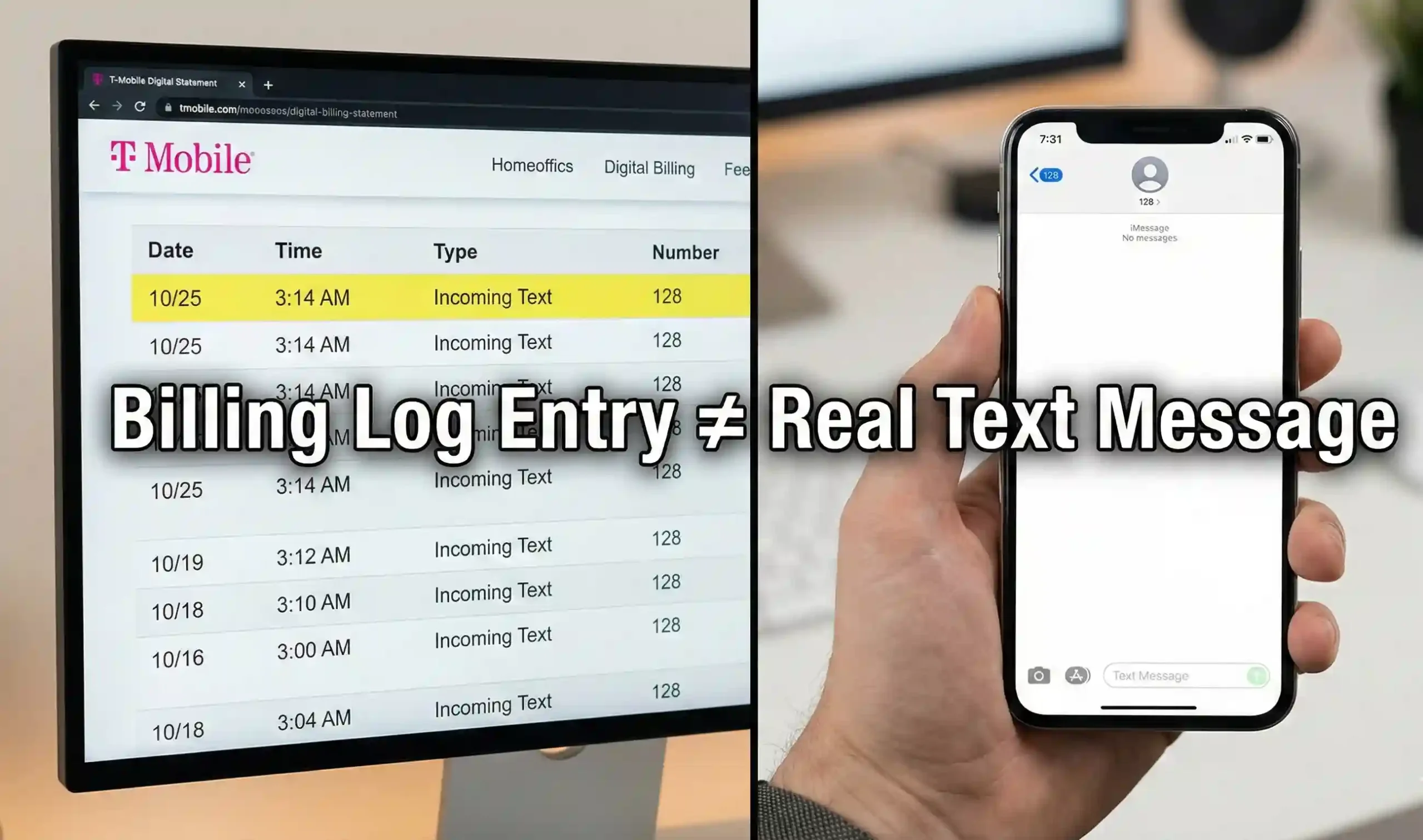
Opening your T‑Mobile usage details and seeing “128 incoming text” can be alarming. Many people jump straight to worst‑case scenarios: secret chats, hacking, or even a 128 text message WhatsApp affair. In reality, 128 is not a person, not WhatsApp, and not a hidden app. It is a system code used by T‑Mobile for voicemail and Visual Voicemail sync, and it shows up as a log entry—not as a real conversation.t-mobile+3
This guide breaks down what 128 text message entries really mean on your bill, why they appear at odd hours, and why you should not block tmobile short code 128.
What Does 128 Mean on a T‑Mobile Bill?
When you see “128 incoming text message T‑Mobile” or “text from 128” in your online usage, you are looking at a network event, not a normal SMS.t-mobile+3
Simple definition:
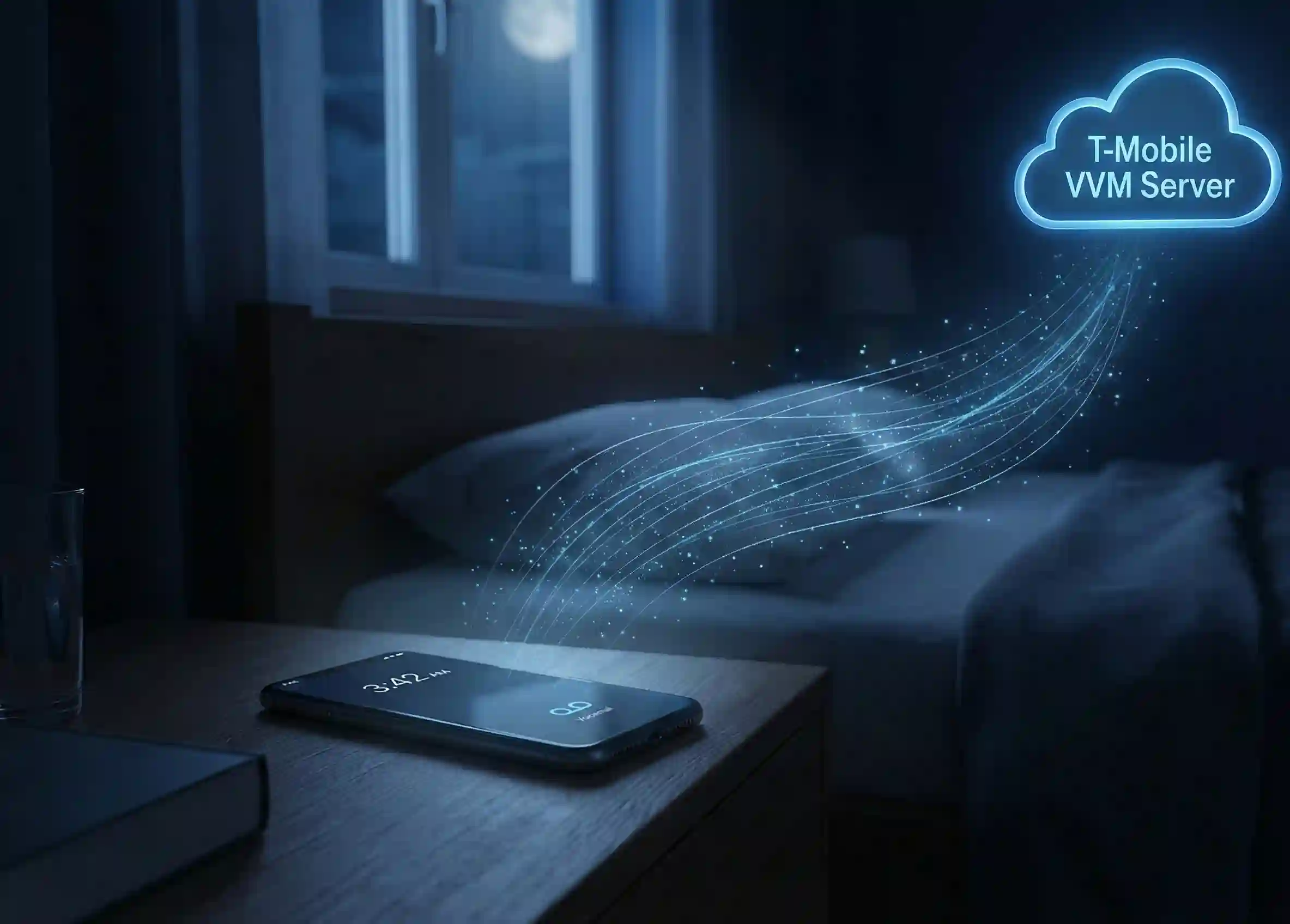
128 is an internal short code T‑Mobile uses to log voicemail notifications and Visual Voicemail (VVM) synchronization. It is not a contact you can chat with, and you will not see a “128 text message” thread in your Messages app.
T‑Mobile engineers and moderators have confirmed in multiple 2024–2025 community threads that:
-
128 logs appear when:
-
You receive a voicemail notification (new message waiting).
-
You call into your voicemail.
-
Your phone’s Visual Voicemail syncs in the background to check for new messages or update transcripts.t-mobile+3
-
That is why what does 128 mean on T‑Mobile bill is almost always: “Your phone talked to T‑Mobile’s voicemail system.” Not “someone texted your line from a secret number.”
How Visual Voicemail Sync Creates 128 Logs
Modern smartphones use Visual Voicemail (VVM) to show voicemail in a list, with caller ID, timestamps, and sometimes transcripts. To do that, your phone regularly talks to T‑Mobile’s voicemail servers.
What Happens Behind the Scenes
Each time VVM checks in, the network:
-
Sends a small system message to your phone to:
-
Tell it a new voicemail exists.
-
Update the voicemail icon / badge.
-
Download metadata or audio for new messages.
-
-
Logs this as an incoming text from 128 (a short code 128 text message entry) in T‑Mobile’s backend.pixelsseo+2
Your phone does not show this as a normal SMS; it appears only on the detailed usage log as an internal event.
Why 128 Logs Often Appear at 3 AM
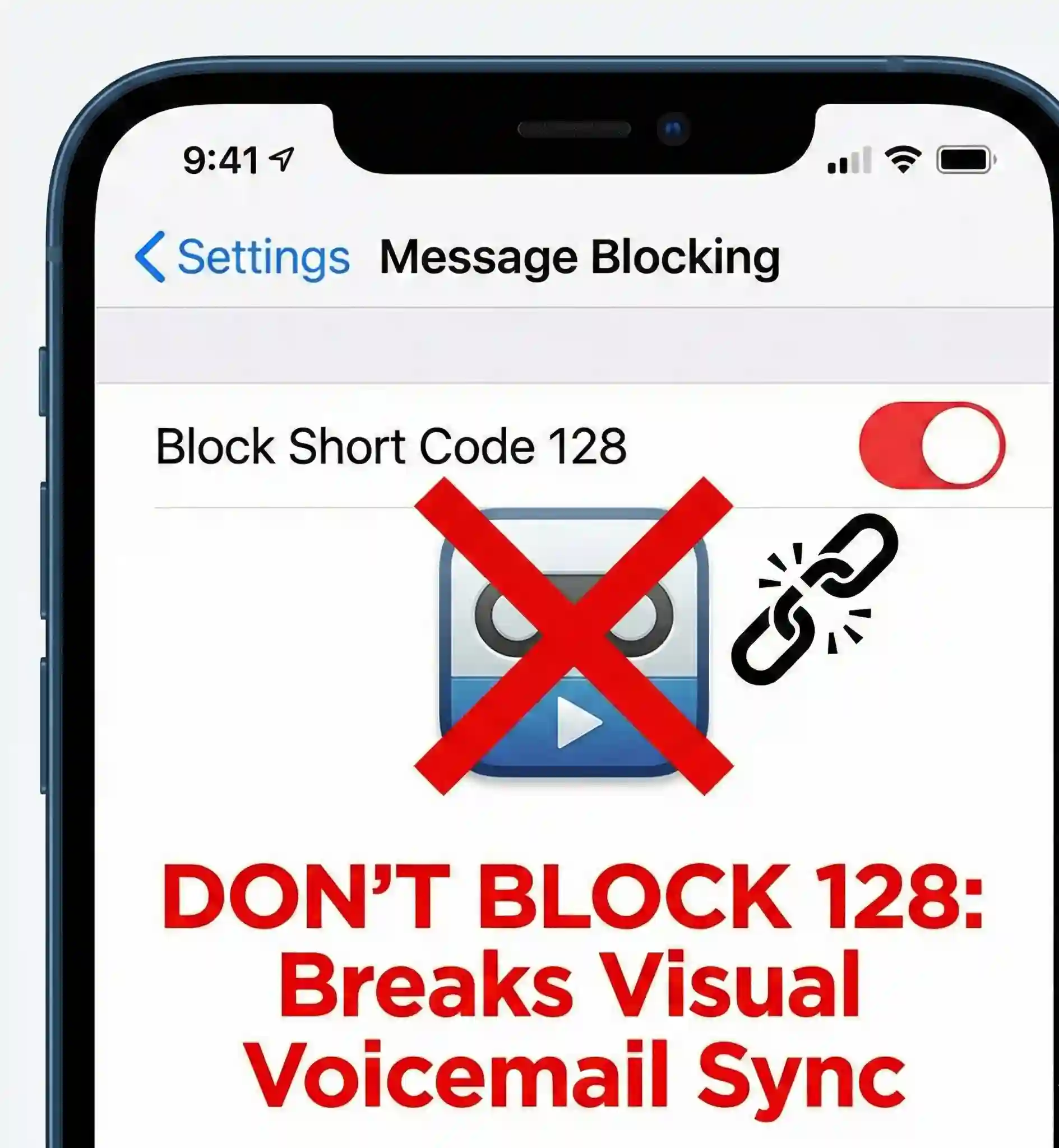
Many users on Reddit and the T‑Mobile Community report 128 text message iPhone or Android entries in the middle of the night. This is normal and happens because:reddit+3
-
VVM and voicemail sync run in the background on a schedule, even when you’re asleep.
-
Your phone may retry visual voicemail sync after network changes (Wi‑Fi to LTE, tower handoffs, etc.).
-
Each sync attempt can generate a 128 incoming text meaning entry in the system log.
So if you see a string of 128 incoming text records at odd hours, it usually means your phone was quietly checking voicemail—not that someone secretly messaged your line.
Quick Comparison Table: 128 Logs vs. Real SMS
| Feature / Behavior | 128 Incoming Text (Short Code 128) | Standard SMS / Normal Text |
|---|---|---|
| Appears as a chat in Messages / SMS app | No – not visible as a normal conversation | Yes – shows as a thread with a contact/number |
| Who “sends” it | T‑Mobile network / voicemail system (Visual Voicemail sync, alerts)t-mobile+2 | A real person, business, or short code |
| Typical label on T‑Mobile usage | 128 incoming text, short code 128 text message, text from 128 | 10‑digit number or branded short code |
| Main purpose | Voicemail notifications, VVM background sync, voicemail access eventspixelsseo+2 | Person‑to‑person or app‑to‑person communication |
| Time of day | Often random/overnight (automatic sync) | When someone actually sends/receives a message |
| Extra charges | No – informational log only, part of your normal servicepixelsseo+1 | Follows your plan (SMS/MMS allowance or unlimited) |
| Can you reply to it? | No practical use; sending will error / do nothing | Yes, you can reply like any other text |
| Should you block it? | No – blocking can break voicemail/VVM notifications | Optional (you can block unwanted senders) |
Myth vs. Reality: 128 Text Message Fears
Online forums are full of questions about 128 text message, 128 text message WhatsApp, and “mystery cheating codes.” Let’s separate rumor from fact.
Myth 1: “128 text message WhatsApp” means secret WhatsApp chats
Reality:
-
WhatsApp, Messenger, Telegram, and similar apps send messages over the internet, not via carrier SMS.
-
They do not generate 128 text message T‑Mobile entries in your carrier usage, because they don’t use the SMS channel in that way.mobileservicescenter+2
-
The 128 short code is tied to carrier voicemail / Visual Voicemail sync, not to third‑party chat apps.
If you see 128 text message iPhone logs, they are about voicemail and internal network events—not WhatsApp.
Myth 2: A text from 128 means someone is cheating or hiding messages
Reality:
-
A text from 128 that appears only on the T‑Mobile website and not in the Messages app is a system log, not a secret conversation.mobileservicescenter+3
-
It records voicemail notifications and VVM sync activity.
-
Multiple 128 entries on a partner’s line are usually a sign they are:
-
Getting voicemails.
-
Using Visual Voicemail.
-
Syncing Apple Watch / iPad / DIGITS devices—not having hidden SMS threads.mobileservicescenter+1
-
To see real conversations, you need to look at the actual SMS threads on the device, not just the presence of the 128 code.
Myth 3: 128 is evidence of a hack or spy app
Reality:
-
tmobile short code 128 is part of the carrier’s core infrastructure, not a third‑party spy tool.
-
It appears on millions of lines that use Visual Voicemail or network voicemail services.
-
If you suspect malware, you should:
-
Check app permissions.
-
Run a security scan.
-
Update your OS.
-
-
But the 128 incoming text message T‑Mobile entries themselves are not proof of a hack—they are expected behavior on many accounts.pixelsseo+2
Are 128 Short Code Entries Charged?
A common worry is that short code 128 text message entries mean extra billing. Based on T‑Mobile’s own forum replies and 2025 billing explainers:mobileservicescenter+3
-
128 entries are informational and do not incur extra fees by themselves.
-
They show that a voicemail notification or visual voicemail sync event occurred.
-
As long as you are on a typical plan (unlimited talk & text), these events are simply part of normal service.
If you see any separate line item with an actual dollar amount tied to a message service (e.g., Premium SMS), that is different—but 128 itself is not a premium short code.
Platform-Specific Notes: iPhone vs. Android
128 Text Message iPhone
For iPhone users:
-
128 incoming text message iPhone logs are closely tied to:
-
Visual Voicemail sync.
-
Voicemail indicator updates.
-
Sometimes Apple Watch / iPad continuity traffic on the same number.mobileservicescenter+1
-
-
You will not see “128” as a conversation in iMessage; it only appears in T‑Mobile’s usage portal.
If you turn Visual Voicemail off or reset voicemail, you may see periods with fewer 128 entries, but you also lose convenient voicemail features.
128 Incoming Text on Android
On Android:
-
128 incoming text entries appear for similar reasons—voicemail notifications and Visual Voicemail (via T‑Mobile’s VVM app or system integration).
-
Different Android skins (Samsung, Pixel, etc.) may sync at slightly different intervals, leading to more or fewer logs, but the meaning is the same: voicemail system activity, not person‑to‑person SMS.mobileservicescenter+2
Should You Block 128?
Some people ask whether they should block tmobile short code 128 or “how can I get a 128 phone number” to test it.
-
You cannot meaningfully “get” a 128 phone number.
-
128 is not a full phone number; it is an internal short code / network identifier.
-
-
Do NOT block 128.
-
Blocking could break voicemail notifications or Visual Voicemail sync.
-
You may stop seeing new voicemail alerts, which is worse than seeing harmless log entries.pixelsseo+2
-
If the volume of 128 text message entries worries you, the better options are:
-
Disable Visual Voicemail (if you truly don’t use it).
-
Work with T‑Mobile support to troubleshoot voicemail settings, rather than blocking the code.
FAQ: Common Questions About the 128 Text Message Code
1. What does 128 mean on a T‑Mobile bill?
It means T‑Mobile logged a voicemail‑related event: new voicemail notification, voicemail check, or visual voicemail sync. The 128 text message entry is a system log, not a chat with a real person.t-mobile+3
2. Why do I see 128 incoming text messages but no texts on my phone?
Because 128 text message events are network‑level logs, they don’t show up in your SMS app. They only appear in T‑Mobile’s online usage details as 128 incoming text or short code 128 text message entries.t-mobile+3
3. Is 128 linked to WhatsApp or other chat apps?
No. The 128 text message WhatsApp rumor is false. WhatsApp and similar apps use data/internet, not carrier SMS codes like 128. 128 is voicemail/VVM traffic, not third‑party messaging.mobileservicescenter+2
4. Can I block or opt out of 128?
You should not block 128 incoming text message T‑Mobile. Blocking 128 can break voicemail notifications and visual voicemail sync. If you have concerns, talk to T‑Mobile support about voicemail settings rather than blocking the short code.mobileservicescenter+1
5. How can I get a 128 phone number?
You realistically cannot get a “128 phone number” the way you get a normal 10‑digit line. 128 short code is an internal system identifier, not a public DID (direct inward dial) number. There is no benefit or supported path to owning or using 128 as a standard line.mobileservicescenter+1
Understanding the real 128 incoming text meaning turns a scary, mysterious entry into what it actually is: a routine, harmless voicemail system log. As of the 2026 update, all current T‑Mobile documentation and community responses agree:
128 text message entries are normal, not a hack, not WhatsApp, and not proof of hidden messaging. They are part of your phone’s voicemail and Visual Voicemail working as designed.